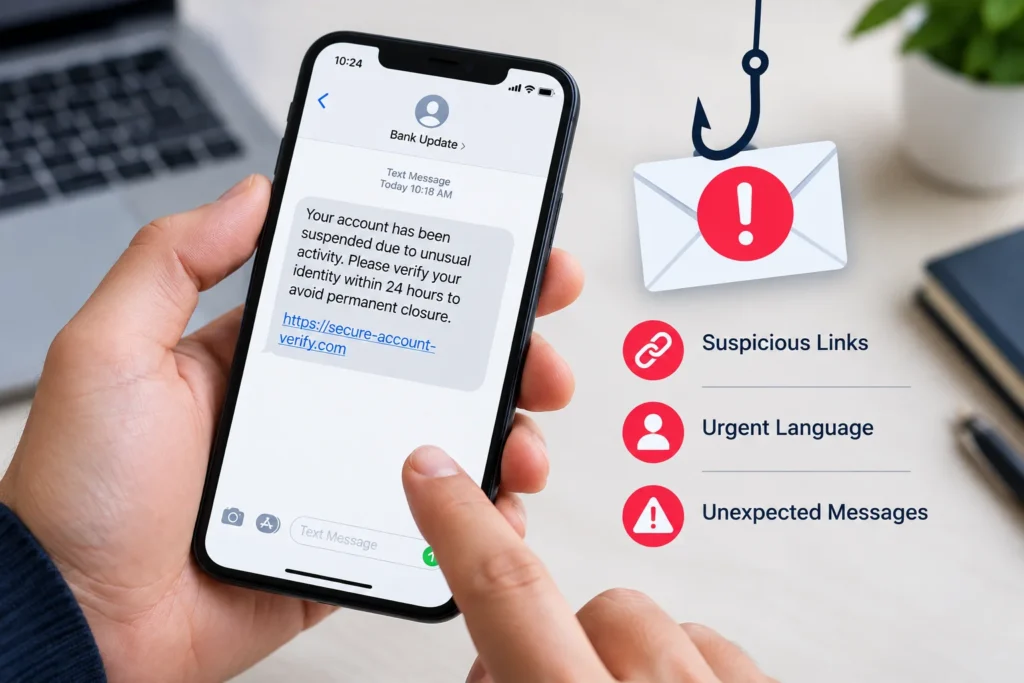
Phishing messages pretend to come from a bank, delivery company or a service you use, and try to trick you into giving away passwords or codes.
Warning signs
- Urgency. “Your account will be closed in 24 hours” is designed to make you panic.
- A strange sender address. The display name looks right, but the email domain does not match the real company.
- Links that do not match. Hover over a link (or press and hold on a phone) to preview the real address before opening it.
- Requests for secrets. Real companies do not ask for your password or one-time code by message.
- Unexpected attachments. Do not open files you were not expecting.
What to do
- Do not click or reply. Open the official app or type the website address yourself.
- Report the message as phishing in your email app, then delete it.
- If you already entered a password, change it immediately and turn on two-factor authentication.
- If you shared banking details, contact your bank right away.