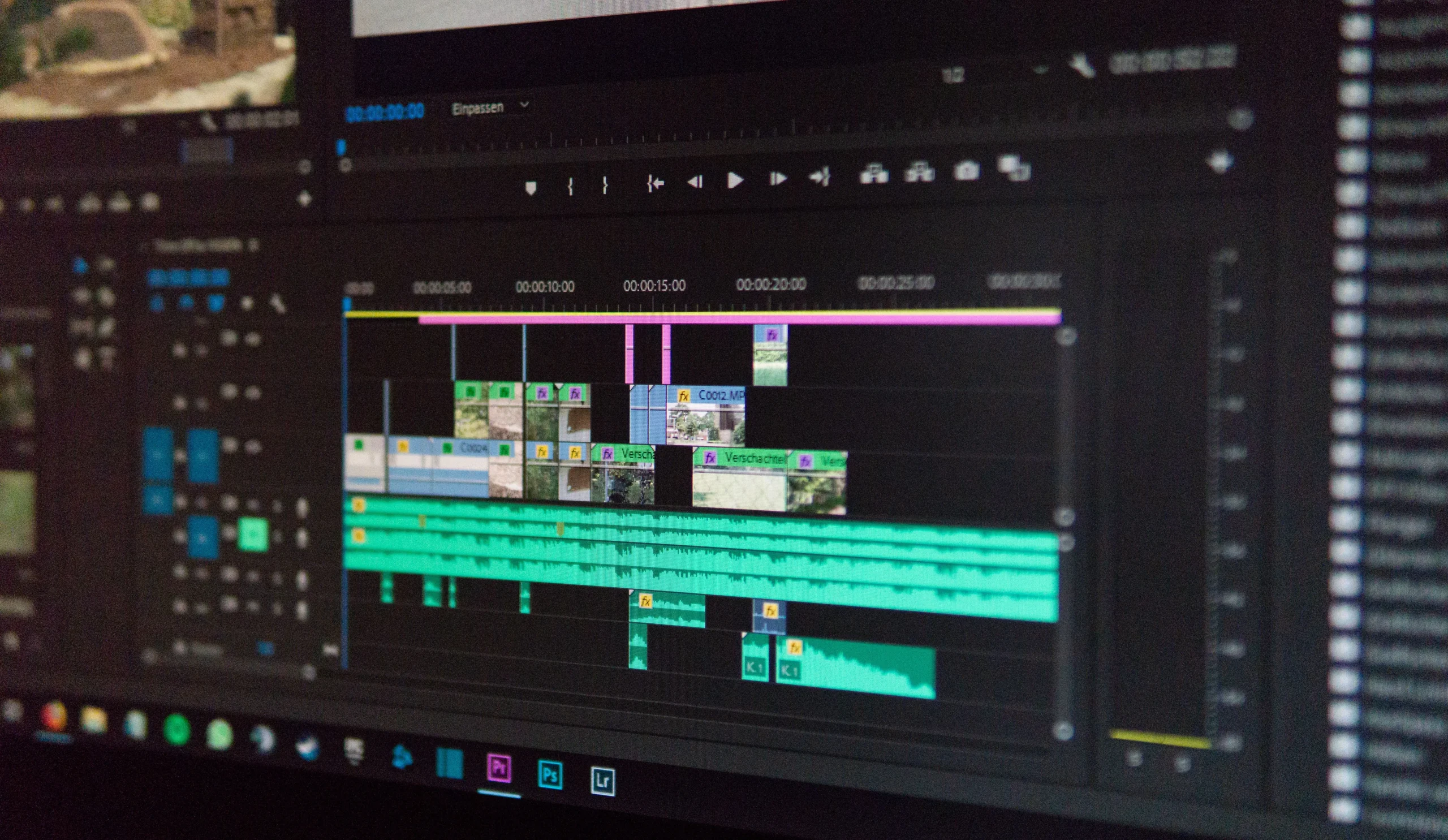
Video editing has always demanded a lot of time up front — reviewing footage, picking out clips, arranging scenes, trimming what doesn’t belong, adding captions, and fine-tuning the final presentation. As AI keeps working its way deeper into creative software, a lot of that repetitive work is increasingly something you can just describe in plain language instead of doing by hand, step by step.
One workflow that’s emerging combines conversational AI assistance with a fairly conventional editing timeline. Rather than expecting AI to hand over a finished video with zero supervision, this approach helps organize existing footage and build an editable first draft — something the creator can actually review and shape from there.
What AI-Assisted Video Editing Actually Means
AI-assisted video editing describes software that uses AI to take on parts of the production process. Instead of manually performing every repetitive action, creators can just describe the result they’re after and let the system work from that.
Picture someone sitting on several hours of recorded footage who wants a short video built from the most relevant moments. An AI-assisted workflow can help spot the useful sections, cut what’s not needed, and organize the selected clips into a rough sequence to build from.
None of this removes the need for actual human editing, though — it just shifts where a creator’s time actually goes. The manual grind gets cut way down during the initial organization stage, while the real creative decisions stay firmly in human hands.
Getting From Raw Footage to an Editable First Cut
One of the more genuinely useful things AI can do here is create a real starting point out of raw footage. A creator uploads their source clips and describes the structure, pacing, length, or format they want.
The CapCut × Codex video editor workflow, for instance, is built specifically around using natural-language instructions alongside uploaded video material. According to its current documentation, it can help review footage, identify useful moments, cut unwanted sections, arrange clips, and prepare an editable rough cut ready for a real editing pass.
That “editable” part is important — an automated selection shouldn’t be treated as the finished product. A creator might still want to swap out a particular shot, tighten up a scene, reorder clips, or adjust the pacing throughout.
Why Natural-Language Instructions Actually Matter
Traditional editing software generally expects users to understand its interface before they can do anything complex. Natural-language workflows add a different layer entirely — describing what should happen, instead of manually clicking through every single step to make it happen.
A genuinely useful instruction might specify the target audience, preferred video length, key moments, the sequence needed, or the platform it’s headed for. The more clearly that’s spelled out, the better the AI’s actual understanding of what the project’s supposed to accomplish.
That said, natural-language instructions aren’t a stand-in for real creative judgment. A vague request tends to come back needing a lot of correction. It’s worth including the practical details that genuinely matter to the final result, rather than leaving them out and hoping for the best.
Why Human Review Still Matters So Much
Automation speeds editing up, sure, but human review stays essential. A system can flag technically interesting footage without fully grasping its emotional weight, the context around it, any humor involved, or how it actually lands with a specific audience.
Before publishing an AI-assisted draft, it’s worth checking:
- Clip selection and sequence
- Timing and pacing
- Captions and spelling
- Audio levels
- Visual continuity
- Transitions and effects
- Aspect ratio and framing
- Accuracy of anything spoken or written
This kind of review matters even more for educational, business, news-related, or informational videos, where one wrong clip or a mistaken caption can genuinely shift what the content actually says.
Captions and Juggling Different Video Formats
AI can also help prepare content for different audiences and platforms. A single recording might need to become a longer horizontal video, a short vertical clip, or several smaller pieces entirely.
Caption prep gets a lot less repetitive too when automated tools help organize the text. CapCut’s broader editing environment already includes features for captions, aspect-ratio adjustments, effects, and other production tasks that used to eat up a lot of manual effort.
Even when AI generates the captions or suggests formatting changes, the final version still needs a manual pass. Names, technical terms, accents, background noise, and overlapping speakers can all trip up automated transcription in ways that are easy to miss if nobody checks.
Where This Actually Helps Different Creators
AI-assisted editing turns out to be useful in a handful of different situations. Beginners tend to benefit because they get to start from a rough structure instead of staring at a completely empty timeline. Experienced creators find value in it too, mostly by cutting down the repetitive footage-selection and organizing work they’ve already done a hundred times.
Teams producing content regularly can lean on structured workflows to build out multiple versions of the same project — a longer interview, say, turned into several shorter clips, each one still needing its own review and adjustments before it’s done.
In every case, the technology really functions as an assistant, not a replacement for traditional editing skill.
Where the Limits Show Up
AI editing isn’t equally suited to every kind of project. Highly cinematic work, complex narratives, and anything needing detailed artistic direction often still calls for a lot of manual editing that AI just isn’t built to handle well.
There are practical considerations around source material too. Creators should only upload footage, music, images, and other assets they’re actually authorized to use, and sensitive material shouldn’t be included when it isn’t actually needed for the editing task at hand.
It’s also worth remembering that software capabilities and supported workflows shift over time — checking current product documentation before relying on a specific feature or setup is generally the safer move.
Where Video Production Workflows Are Headed
The broader direction here suggests video production will increasingly blend conversational planning with the conventional timeline-based editing people already know. AI helps turn a pile of raw material into an organized starting point, while people stay responsible for storytelling, accuracy, tone, and the final creative calls.
Splitting the work this way makes editing genuinely more efficient, without treating automation as some automatic substitute for real experience. The most practical use of AI here is probably its ability to handle the repetitive prep work, freeing creators to focus their attention on the parts of video production that actually need judgment and creativity.