Visual content’s basically the backbone of communication now — websites, social media, educational platforms, online stores, digital publications, all of it leans on images constantly. Used to be, a high-quality image meant real photography gear, illustration skills, design software, or hiring an actual professional designer. AI’s opened up a totally different path — generating visual concepts straight from a written description, then refining them through automated tools.
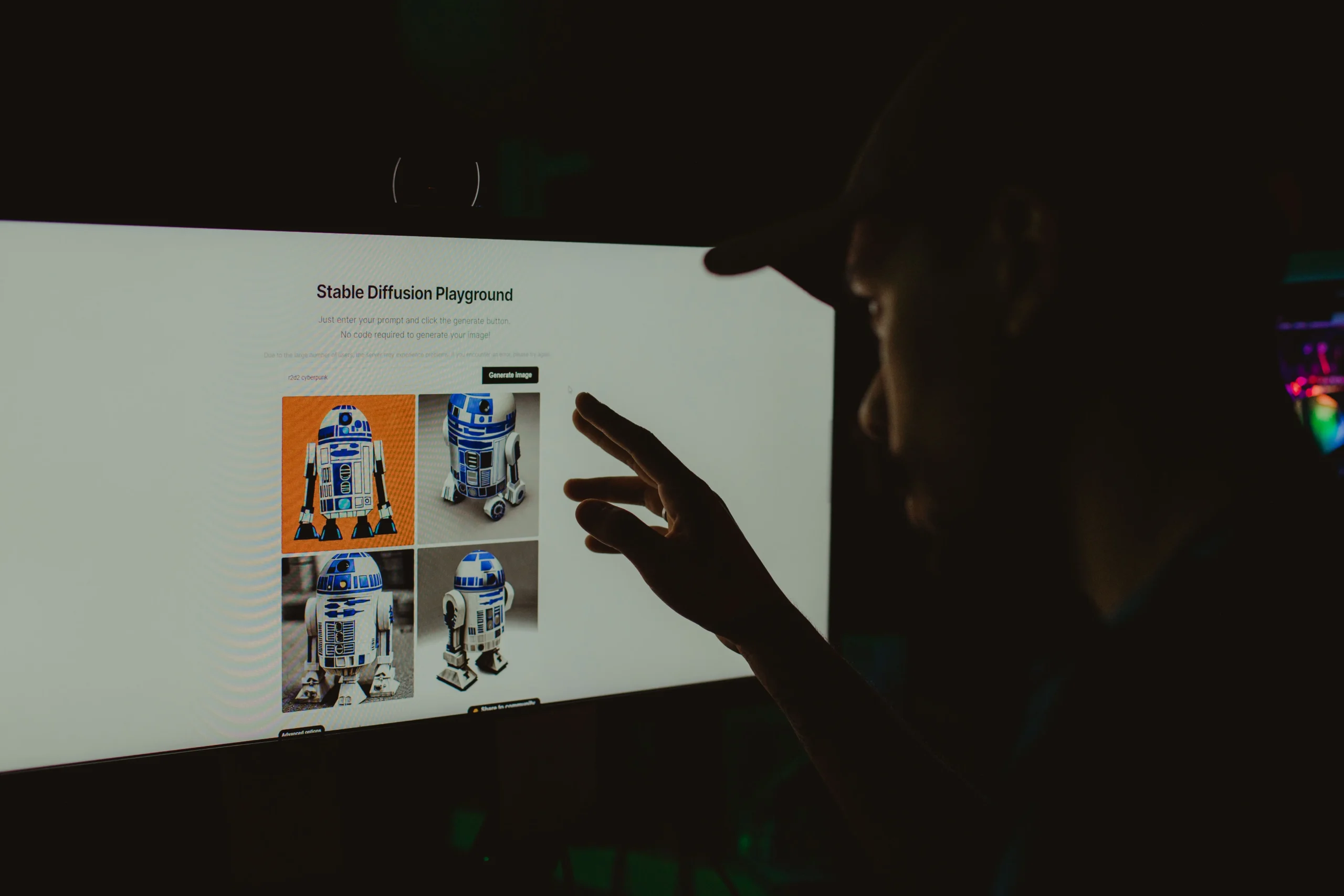
An AI picture generator reads a written prompt and produces an image based on the subject, environment, composition, lighting, mood, and style described. Modern systems go further too, working with reference images so users can actually steer the result instead of leaning entirely on words.
So What Is AI Image Generation, Exactly?
AI image generation’s just machine-learning models creating or modifying visual content based on instructions. In a typical text-to-image setup, someone describes what they want in plain language, the system processes it, and generates an image trying to match those requested characteristics.
A prompt might describe a quiet mountain village at sunrise, a futuristic city street at night, an illustrated classroom scene — the model converts all that text into visual elements and combines them into something new.
A lot of current systems go beyond simple text-to-image, too. Reference images, altering existing visuals, changing backgrounds, adjusting styles, generating variations — all of it’s usually on the table. That’s exactly why this tech’s useful for both messing around experimentally and actually producing real content.
Why a Detailed Prompt Genuinely Matters
How good an AI-generated image turns out depends a lot on what’s actually in the prompt. “A beach” leaves a ton of creative decisions up to the model. A more detailed prompt nails down the setting, time of day, camera angle, lighting, colors, and visual style instead.
A genuinely useful prompt covers the main subject, where the scene’s taking place, the composition or camera perspective, the lighting — natural light, studio lighting, sunset, whatever’s actually needed — the style, whether that’s realism, illustration, watercolor, 3D rendering, and the mood, calm, dramatic, cheerful, mysterious, professional, whatever fits. Worth thinking about format too — square post, vertical story, presentation slide, widescreen video, since that shapes composition from the start.
CapCut’s current AI image tools, for instance, cover both text-to-image and image-to-image workflows where users can write detailed prompts and optionally throw in reference images too.
Reference Images Give You Way More Control
Text alone doesn’t always cut it when a really specific visual direction’s needed. Reference images bring in real info about composition, color relationships, how a subject actually looks, or general style that’s genuinely hard to describe in words alone.
That’s why image-to-image workflows matter so much when a creator already has a sketch, a photo, a product image, or some other visual starting point. Instead of building everything from zero, the AI leans on that supplied image as extra guidance.
Genuinely useful for concept work too. A designer sketches something rough and uses AI to explore several possible visual treatments off that base. A content creator experiments with different backgrounds while keeping the main subject recognizable the whole time.
Where This Stuff Actually Gets Used
AI-generated imagery’s not just an artsy experiment anymore. It’s showing up across a genuinely wide range of digital work.
Social media leans hard on visual communication, and AI-generated images help creators build backgrounds, illustrations, themed posts, thumbnails, and conceptual graphics — with different aspect ratios depending on whether it’s headed for a feed, a story, a short video, or somewhere else entirely.
Education‘s another real use case. Teachers and educational creators use generated visuals to illustrate abstract ideas — a historical setting, a scientific concept, a fictional environment, a simplified diagram, all sometimes way easier to explain with the right image attached. That said, educational material genuinely needs careful review here, since AI-generated visuals can carry inaccurate details, especially with technical, historical, or scientific subjects.
Product concepts benefit too. Businesses use AI-generated images early in product development — before ever commissioning professional photography or building a physical prototype, teams can visualize packaging, environments, colors, or advertising concepts. Worth treating these as design references, though, not assuming every generated detail represents an actual real product.
Storyboards and creative planning round it out. Writers, filmmakers, and video creators use generated images to visualize scenes before production even starts — a sequence of images communicating character positioning, environments, lighting concepts, overall visual direction. This ties directly into AI-assisted video work too — CapCut’s current Codex-related workflow uses prompts, scripts, images, and clips as inputs for building editable video drafts, showing how image creation and video planning increasingly live inside the same connected workflow now.
Editing Still Genuinely Matters After Generation
Generating an image’s really just one stage of the process. The first result can have unwanted objects, weird proportions, wrong details, or a composition that just doesn’t fit what it’s actually for.
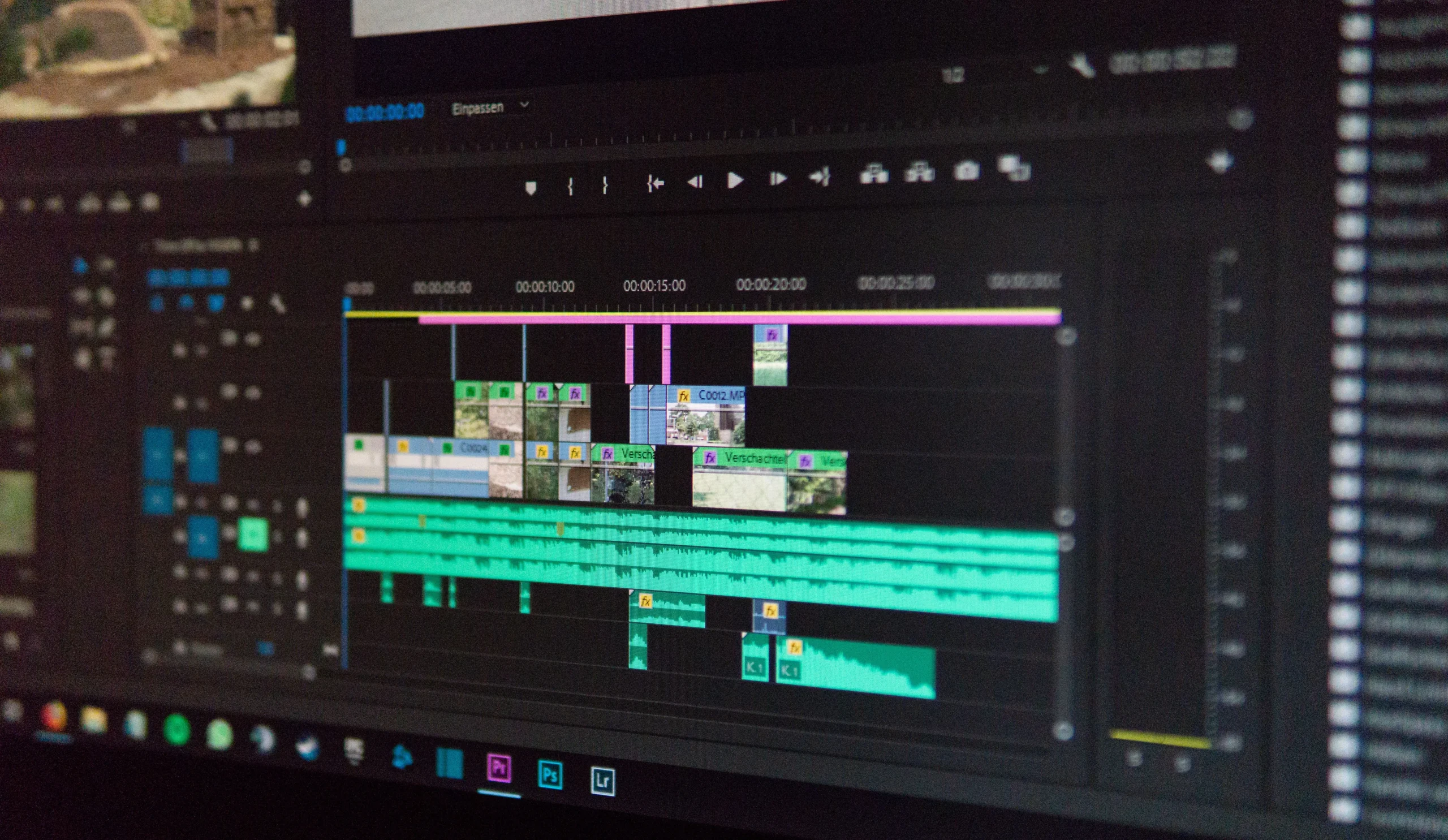
Post-generation editing fixes a lot of this. Cropping, brightness, contrast, saturation, sharpening, background removal, text placement — all standard moves. CapCut’s image-generation workflow also covers refining generated images with manual edits and additional prompts before anything actually gets exported.
That distinction matters, honestly — AI doesn’t remove the need for real creative judgment. Someone still has to decide whether the result actually communicates what it’s supposed to, and whether the details are actually appropriate for where it’s headed.
The Real Limits Worth Knowing About
AI image generation’s got real limits still. Text rendered inside images can come out misspelled or straight-up distorted. Faces, hands, small objects, complex arrangements — all of it can take several attempts to get right.
Ownership and permitted use is another real concern. How AI-generated material gets treated legally varies by jurisdiction and circumstances, so it’s worth checking the actual terms of whatever platform’s being used, and thinking through whether the generated content pulls in recognizable people, protected brands, copyrighted characters, or other stuff that’d need real permission.
Accuracy’s another thing to keep in mind. A visually convincing image isn’t automatically a factual one. For news, science, medicine, history, or educational material, important visual claims genuinely need checking against reliable sources, not just trusting how convincing the image looks.
Building a Genuinely Better AI Image Workflow
A practical workflow starts with a clear objective. Before writing a prompt, figure out what the image actually needs to accomplish and where it’s headed. Then describe the subject, environment, style, composition, and format.
Once there’s an initial result, evaluate it properly. Look for wrong details, unwanted objects, inconsistent lighting, an unclear focal point, formatting issues. Instead of rewriting the whole prompt from scratch every time, change just one or two things and compare the variations that come out — that’s a lot more controllable than starting over each round.
This iterative approach makes AI image creation a lot more predictable, and it pushes people to treat generated images as creative drafts genuinely needing review, not finished products ready to ship untouched.
Where AI-Assisted Visual Content Is Headed
AI image generation’s becoming part of a much bigger creative ecosystem now, connecting writing, image creation, editing, animation, and video production together. Going from a written idea to a finished visual can now involve several AI-assisted stages, not one single isolated tool.
This tech’s probably going to stay genuinely useful — not because it kills off every traditional creative task, but because it gives people another fast way to explore ideas. Human decisions still matter a ton here — storytelling, factual accuracy, visual consistency, ethics, and final quality all still need a real person paying attention.
As these systems keep developing, knowing how to write effective prompts, evaluate what comes out, edit visuals, and verify important info’s only going to become more valuable. The strongest workflows will keep combining automated generation with real, careful human direction — turning AI from a simple image-making feature into just one piece of a much bigger creative process.